
How to Make a Hello 2027 or Goodbye 2026 AI Video (Without CapCut)
Step-by-step: pick Climb the Giant 2027 or Goodbye 2026→Hello 2027, upload one photo (or two for duo), generate a TikTok-ready clip. Photo tips, credits, and CapCut alternatives.
 2027 New Year AI

Turn one clear photo into a Hello 2027 or Goodbye 2026 → Hello 2027 short clip in a browser: pick a template, upload, generate. No CapCut app, no prompt writing, and credits show on the button before you spend.
Which template should you pick?
Watch the real clips side by side, then use the table to match length and aspect ratio.
| Climb the Giant 2027 | Goodbye 2026 → Hello 2027 | |
|---|---|---|
| Feel | Climb onto a giant marble 2027 at sunset | Twin-self under cool 2026 / warm 2027 highway signs |
| Length | 6 seconds | ~15 seconds |
| Aspect | 9:16 (TikTok / Reels first) | 3:4 (CapCut-style crossroads) |
| Photos | Solo or pet: 1 · Duo: 2 separate portraits | 1 portrait for both people |
| Draft / Standard | 50 / 113 credits | 125 / 283 credits |
Quick pick
- Vertical, short, solo / duo / pet → Climb the Giant 2027
- “Goodbye 2026 / hello 2027” twin-self road scene → Goodbye 2026
- Do not use one group photo for Climb Duo
More motion on homepage Examples; studio opens with the template you pick.
What photo works (and what fails)
These are real Climb inputs that work well. Goodbye needs the same kind of clear front-facing portrait (one photo only).
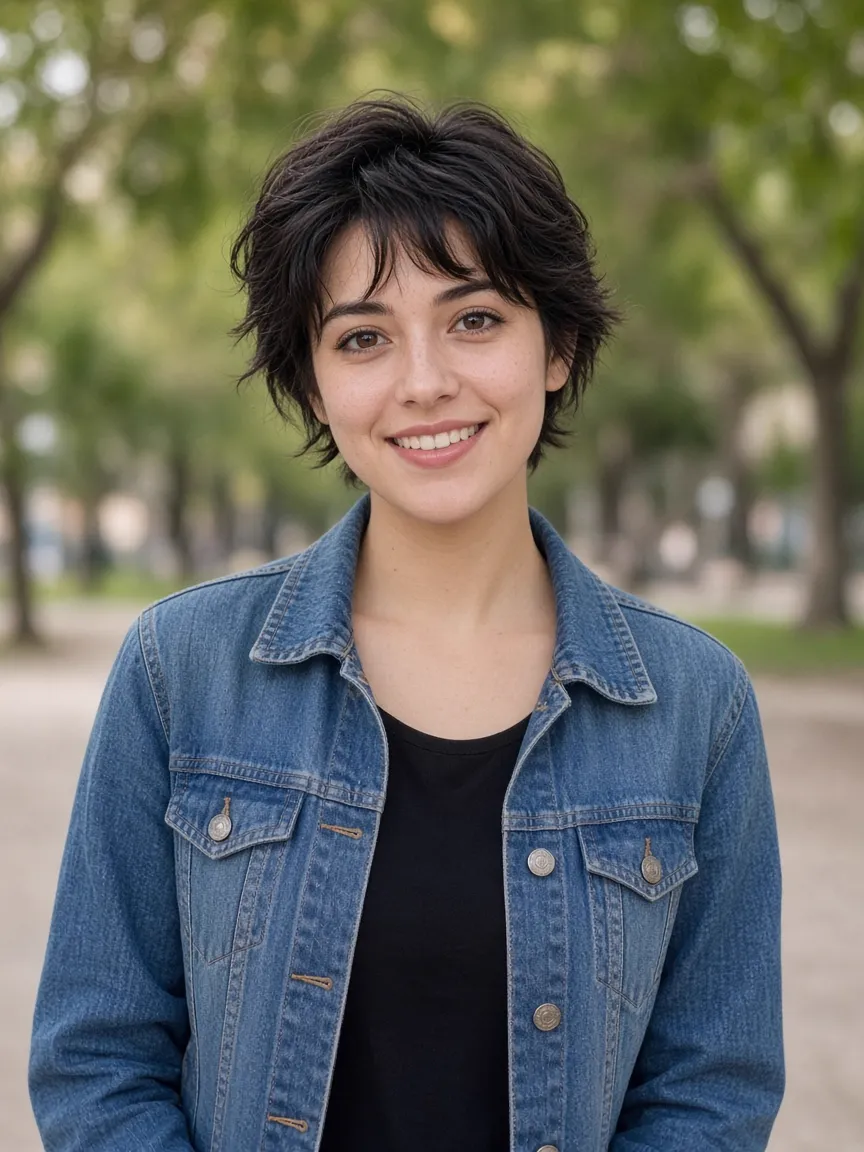
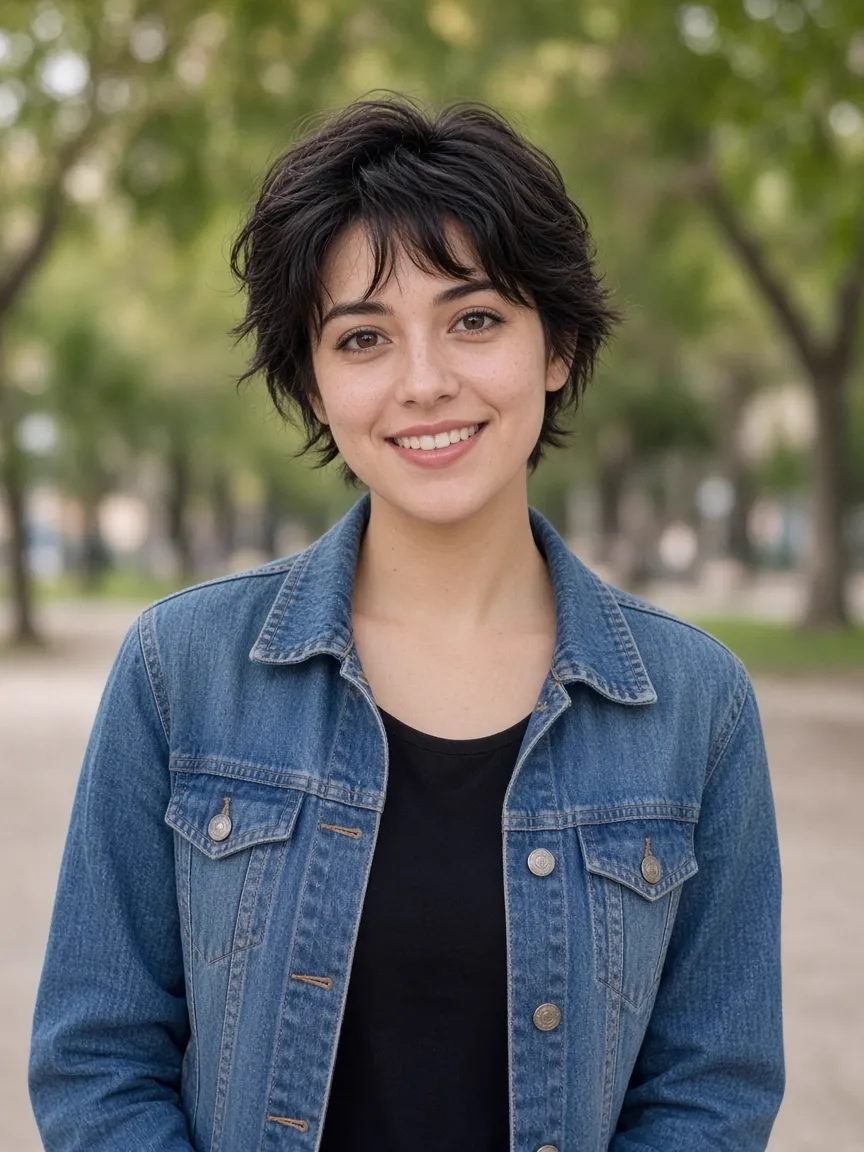
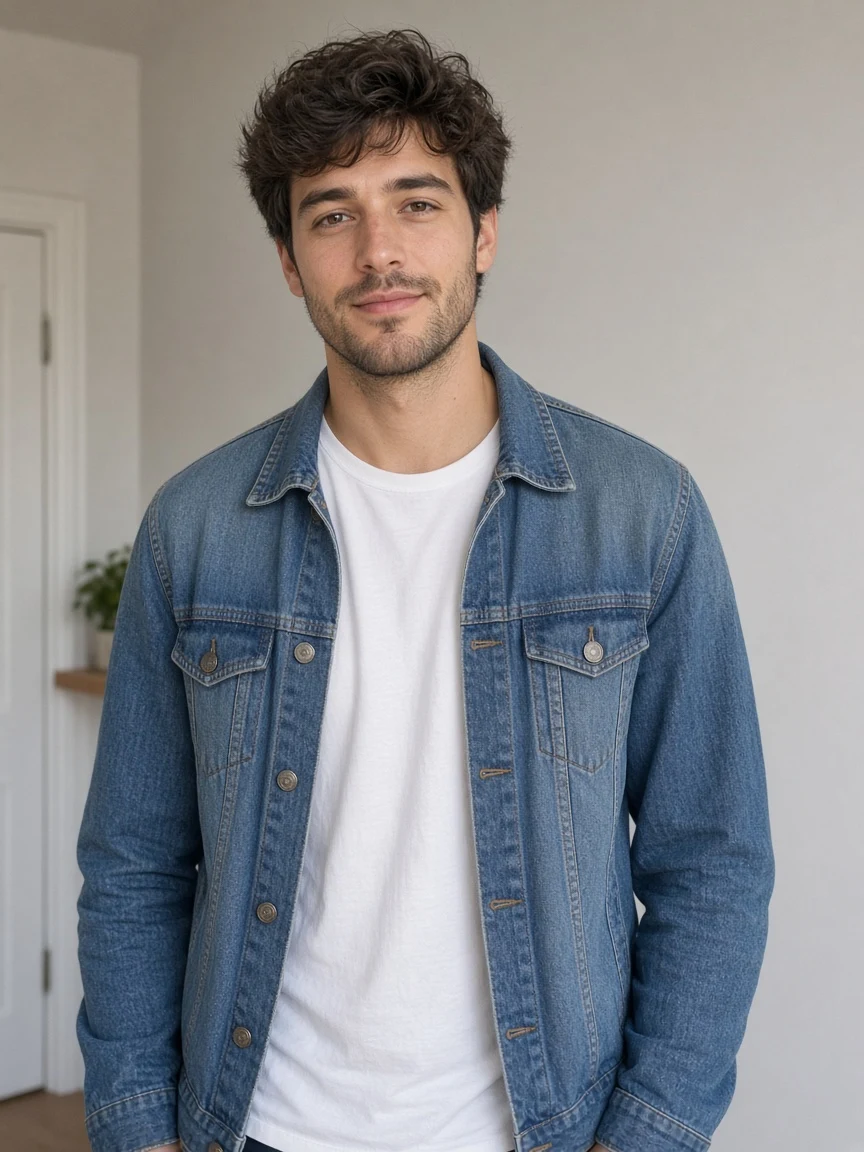
Skip these
- Sunglasses, low caps, or a hand over the face
- Tiny figure in a wide landscape
- Heavy filters, or faces you don’t have rights to use
- One group photo forced into Climb Duo (use two portraits)
Extra Goodbye tip: half-body is fine; full-body keeps proportions steadier; clothes in the photo are used on both sides.
How to make the video (5 steps)
- Open the studio and pick a template — Generator, a template page, or tap an Example.
- Upload the required photo(s) — confirm rights to use them. No prompt needed; motion is fixed to the template.
- Check credits, then generate — Draft or Standard; the button shows cost before you confirm.
- Download from My videos — save the MP4 when rendering finishes.
- Post to TikTok, Reels, or Shorts — label AI when asked. Tags:
#hello2027,#goodbye2026,#welcome2027,#HappyNewYear2027.
CapCut template not working? Use the browser path
If a CapCut template won’t open, isn’t in your region, or you don’t want the app:
- Open 2027 New Year AI
- Pick Climb or Goodbye (closest live match)
- Upload and generate in the browser
We match each trend’s fixed motion; we are not CapCut and don’t claim a pixel-perfect CapCut export. Disclose AI when required.
FAQ
Do I need two photos for Goodbye 2026?
No. One clear portrait becomes both people under the 2026 and 2027 signs.
Can Climb Duo use one group photo?
No. Duo needs two individual portraits so each person maps onto a digit.
Why is one template 9:16 and the other 3:4?
Climb is TikTok-first vertical (9:16, 6s). Goodbye follows the CapCut-style crossroads frame (3:4, ~15s).
What do Draft and Standard cost?
Climb: 50 / 113. Goodbye: 125 / 283. The button shows the price first.
Is there a watermark?
Clips from My videos are meant for clean posting. Follow each platform’s AI labeling rules.
Can I use a pet?
Yes on Climb the Giant 2027 (pet). Goodbye 2026 is twin-self human only.
How long does generation take?
Usually a few minutes (queue + quality). Stay until the result appears, then download.